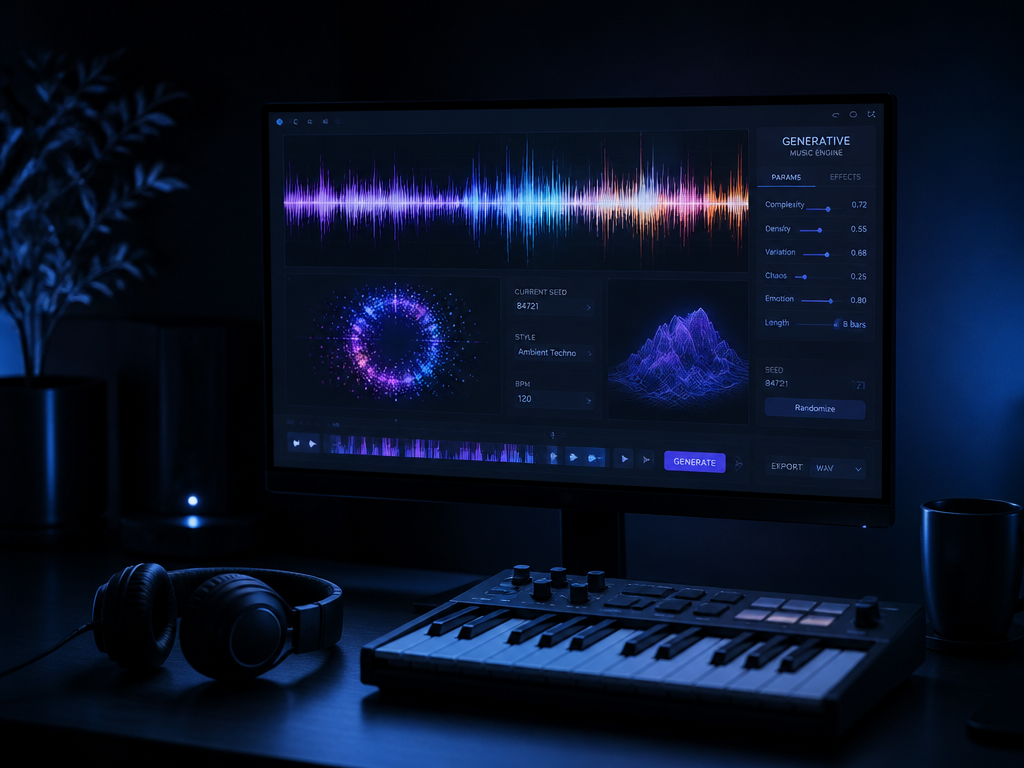
Last month I dropped a generated track into a session for a puzzle game — 92 BPM, A minor, the brief was "warm lo-fi with a brushed kick and a Rhodes that doesn't get in the way." The full mix sounded great in the preview. Then I pulled the stems to duck the music under a UI sting, and the "drum" stem had a ghost of the Rhodes baked into it. Solo the bass and you could hear the kick breathing through it. The mix was usable. The stems were a negotiation.
If you make games, edit video, or produce, AI music generation is already a real option for original, clearance-free audio. But there's a specific claim about it that gets repeated until people treat it as fact, and it's the one that wrecks deadlines. Let's take it apart.
The myth: the stems come out clean and remix-ready
The pitch you've heard goes like this — type a prompt, get a finished song, and download separated stems you can remix like a proper multitrack session. Drums here, bass there, vocals isolated, all surgically clean. Drop them in your DAW and rebalance to taste.
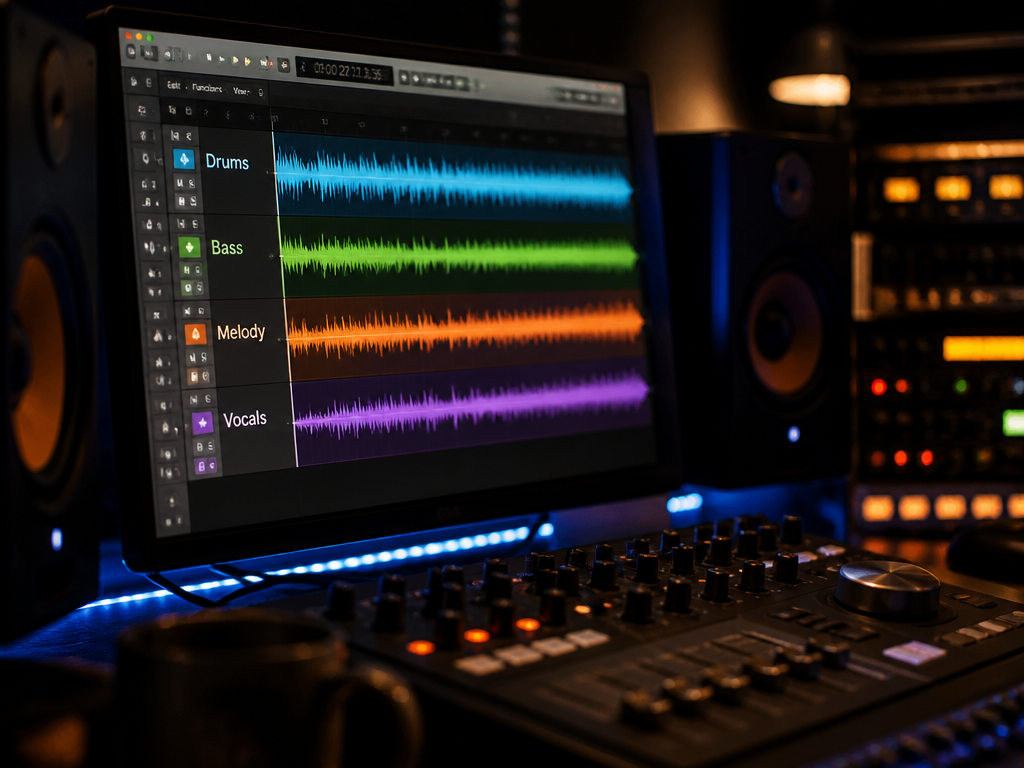
It's a reasonable thing to believe, because the marketing screenshots show neat little stacked waveforms labeled Drums / Bass / Melody / Vocals. And sometimes it's close to true. But "stems" is doing a lot of quiet work in that sentence, and the gap between what you imagine and what you get is exactly where projects slip.
What you actually get when you export
Here's the honest version, tested across enough sessions that I trust it.
Most text-to-song tools render the full mix first. The model isn't tracking eight separate instruments to eight separate buses the way a session musician would. It generates a stereo song, and then — either automatically or as a second step — it separates that finished mix back into parts. That's the same family of technology as the stem-splitters DJs use on existing records. It's good. It's not magic.
What that means at the export stage:
- Bleed between stems. Reverb tails, room tone, and harmonic overtones get shared across files. Your "isolated" Rhodes often carries a faint smear of hi-hat. Solo the parts and you'll hear it.
- Separation artifacts. Push a separated vocal stem up 6 dB in a quiet section and you may hear a watery, phasey wobble — the "underwater" sound that gives away the algorithm. It hides under a full arrangement and exposes itself the second you isolate it.
- Fewer parts than you think. Four stems is common (drums, bass, vocals, other). The "other" bucket is frequently a mush of every melodic and pad element fused together. If you wanted to mute the lead but keep the pad, you may be out of luck.
None of this makes the output useless. It makes it a different tool than the one in the myth. You're getting a finished mix with adjustable balance, not a true multitrack you can rebuild from scratch.
The mechanism: why the stems behave this way
Two things are happening, and knowing which is which tells you what to expect.
Generation. The model produces audio by predicting sound, not by playing virtual instruments through a mixer. There's no MIDI underneath in most consumer flows — no notes you can grab and re-voice. The performance and the recording are the same object. That's why you can't ask it to "make the bassline an octave lower" after the fact the way you would with a software instrument. You re-roll the prompt instead.
Separation. When you ask for stems, a second model listens to the finished render and estimates which frequencies belonged to which source, then writes those out as files. It's estimation, so it's never perfect. The cleaner and more separated the original arrangement, the better the split. A dense wall-of-sound track separates worse than a sparse one with a clear kick, a clear bass, and lots of space.
That second fact is the lever you actually control. Prompt for sparseness if you want clean stems. A track with three distinct elements and air around them separates far better than one you asked to sound "huge and layered and cinematic." Arrangement choices at the prompt stage decide your stem quality downstream.
A prompt built for clean stems
Here's the kind of prompt I reach for when I know I'll need to pull the mix apart later, with the reasoning under it.
Minimal lo-fi hip-hop, 84 BPM, key of F minor.
Sparse arrangement: one brushed acoustic kick, soft rimshot,
a single warm upright bass, one muted Rhodes chord every two bars.
Lots of space, no pads, no strings, no vocal.
Dry and intimate, light tape hiss.
The work that prompt is doing: 84 BPM and F minor lock the musical fundamentals so the render is sync-able and tunable to other elements. "Sparse," "one," "single," "no pads, no strings" all reduce the number of overlapping sources, which is the single biggest factor in how cleanly the stems separate. "Dry" cuts reverb tails, the main culprit behind cross-stem bleed. "No vocal" removes the hardest thing to separate well. You're not describing a song so much as engineering a mix that survives being taken apart.
How the stem approaches compare
| Approach | What you get | Best for |
|---|---|---|
| Full-mix render, no stems | One stereo file, fixed balance | Backgrounds, bed music, fast turnarounds |
| Auto-separated stems (4-part) | Drums / bass / vocal / other, some bleed | Ducking, re-EQ, light rebalancing |
| Generate sparse, then separate | Cleaner splits, more usable parts | Remixing, layering your own elements |
| AI bed + your own tracked parts | Full control over the parts that matter | Anything where one element has to be exact |
That last row is the one most working producers land on. Generate the texture and the vibe — the part that would've cost you a session musician you don't have — then track or program the one element you care about precisely. The kick. The lead. The hook. AI carries the 70 percent that's "good enough original audio," and your hands carry the 30 percent that has to be right.
The honest takeaway
AI music generation is genuinely good at what producers without a composer budget actually need: original, clearance-free audio in a defined key and tempo, fast, with enough control over the balance to fit it under dialogue or a UI. For background beds, loops, transitions, and mood pieces, the stems you get are more than enough to duck, EQ, and shape.
Where the myth bites is when you treat those stems as a clean multitrack and build a release-grade remix on top of separated parts that were never truly separate. They'll betray you the moment you solo and push them. Tools like City of Punk are built around getting you to a strong mix plus workable stems quickly — and that's the right frame: a fast, original starting point you finish with your own taste, not a finished record pretending the work is done.
So prompt for sparseness, generate more options than you think you need, and decide early which one element you're going to own yourself.
What this piece didn't settle: vocals. Generated and separated vocals are the hardest case — the artifacts are most audible, the rights questions around voice are the murkiest, and "usable" there means something stricter than it does for a Rhodes. And I haven't touched the sync-licensing fine print: clearance-free for a YouTube video isn't automatically clearance-free for a broadcast ad. Both deserve their own teardown. Read the license terms of whatever tool you're using before the deadline, not after — that's the next thing to look at, and it's the one nobody wants to read until it's too late.
Not sure which tool to use?
Compare the top AI music and sound tools side by side — honest reviews, real pricing, no sponsorships.