Your song is finished. That was the easy part.
I know that sounds backwards. You spent three weeks on the mix, chased the low end through four revisions, finally got the vocal to sit. The track is the artifact you care about, the thing with your name on it. But in terms of what it takes to get that track heard in 2025, the audio is now the cheap input. The expensive part—the part that actually determines whether anyone finds it—is the eight, ten, twelve pieces of moving image you're expected to wrap around it before release day.
That is the shift AI music video generators landed in the middle of, and it is why they went from novelty to standard-issue faster than most tools do. Not because they make one gorgeous cinematic video. Because they solve a math problem you've been losing every campaign: one song, many surfaces, no budget, no time. I want to spend the rest of this piece earning the right to have said the audio is the cheap part, because when you look at how discovery actually works now, it stops being a provocation and starts being a spreadsheet.
Discovery moved into feeds that judge you on sight
Here is the mechanic nobody writing about this seems to say plainly. The surfaces where new listeners find you—the vertical feed on TikTok, Reels, Shorts—autoplay muted, or at least autoplay in a context where the thumb is already moving. The first thing that happens to your track is that someone watches it with the sound off for six-tenths of a second and decides whether to stay.
Read that again. The first gatekeeper for your audio is a silent image. If the frame doesn't hold, the sound never gets a turn.
This is not a moral judgment about attention spans. It is platform physics. Feeds are ranked on watch-through and re-watch, and both of those are decided visually in the opening moment. Which means the visual is no longer decoration wrapped around the song. On the surfaces that matter for discovery, the visual is the audition. The song plays for the people the picture already convinced.
Once you internalize that, the old release plan looks absurd. You wrote a piece of music, and its fate on the largest discovery platforms in the world hinges on content you historically treated as an afterthought or couldn't afford at all.
What the old workflow actually cost
Let me describe the workflow you're replacing, because I ran it for a decade scoring indie games and shorts and I know exactly where it bleeds.
The traditional move was one music video. You'd scrape together a budget—call it whatever it was, it was never small—and you'd get a location, a camera person, maybe a director if you were lucky, a day of shooting, a week or two of edit and color. Six weeks door to door if nobody got sick. Out the other end came a single asset: a 16:9 video, three and a half minutes long, built for a YouTube page most people would never navigate to directly.
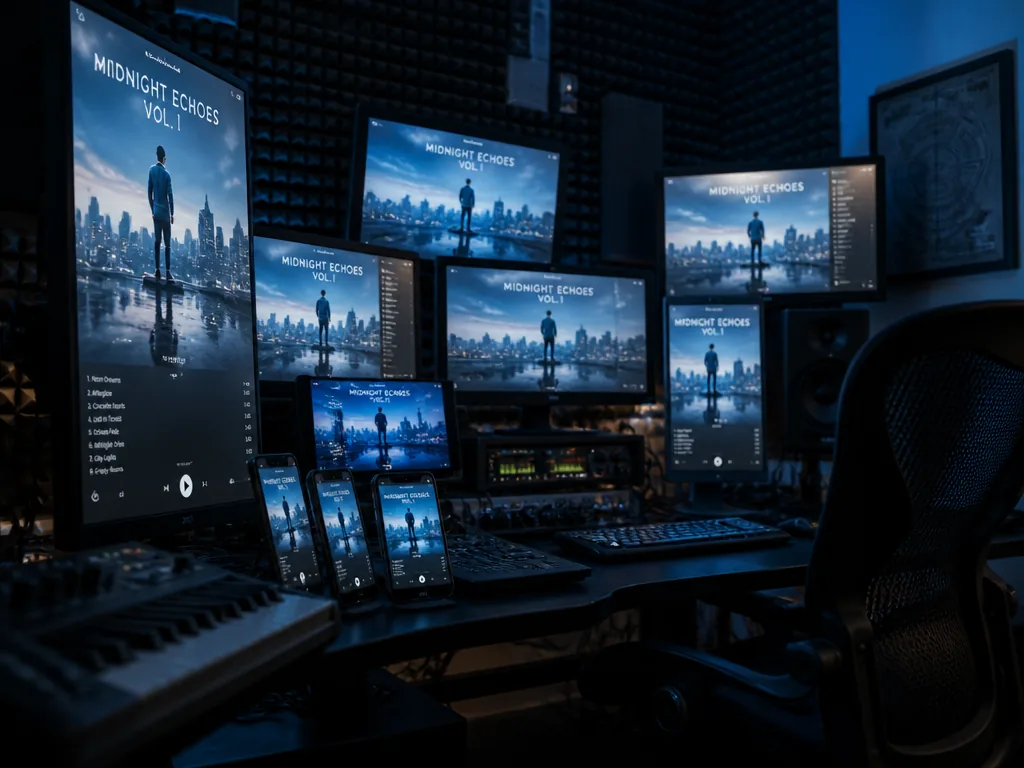
Then the release landscape multiplied under you. Now you needed vertical. You needed a fifteen-second hook cut. You needed something square for the feed that still favors square, a loop for the pinned post, a lyric version for the fans who want to sing it, three different opening frames because the first cut's hook didn't land and you want to A/B it. The one video you could afford solved maybe ten percent of the surface area you were now expected to cover.
So most independent artists did the honest, exhausted thing: they made a static waveform video, posted the cover art, and hoped the song was good enough to overcome the silence of the frame. Sometimes it was. Usually the feed scrolled past.
The gap between "what discovery now requires" and "what one person with a laptop can produce in the week before release" is the exact gap these tools grew into.
What AI music video generators do well, honestly
Set expectations first, because prompt-roulette is real and I'd rather you go in clear-eyed than disappointed.
Where they're genuinely strong:
- Texture and mood at volume. If your track is a hazy, downtempo thing at 82 BPM in a minor key, you can generate a dozen slow-drifting abstract or semi-abstract clips that read as the right feeling without shooting anything. Grain, light leaks, slow zooms on synthetic landscapes, particle drift—this is the model's home turf.
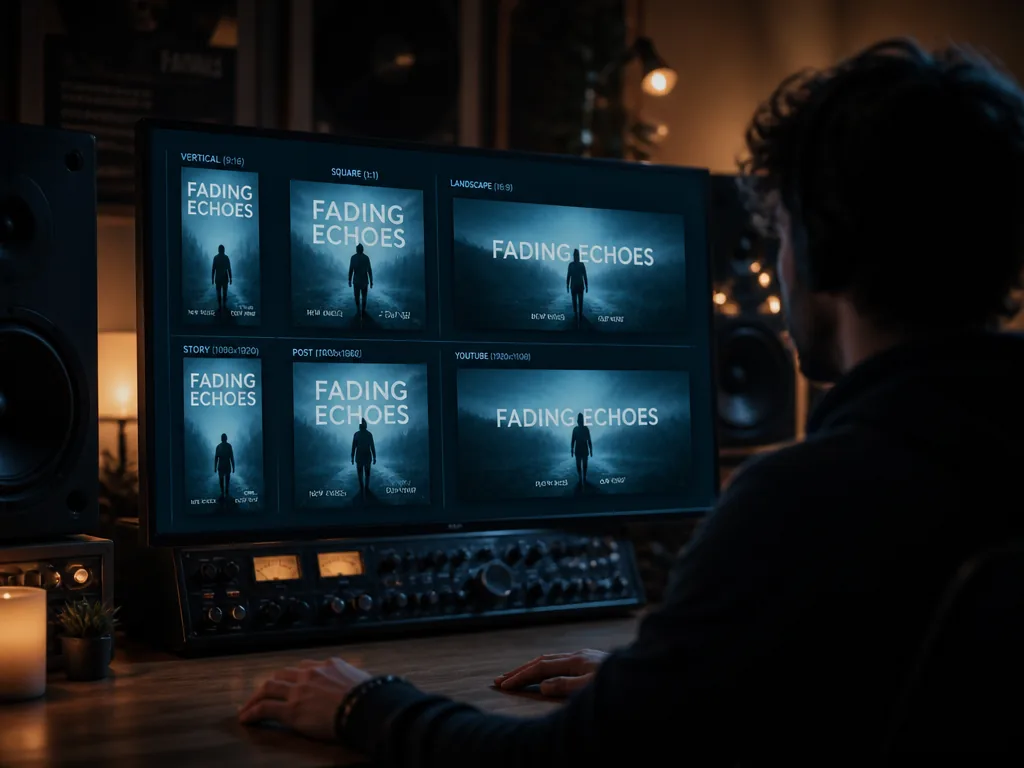
- Format multiplication. Generate or reframe the same visual idea across 9:16, 1:1, and 16:9 without re-shooting. This is the actual point. The one thing that used to cost you three separate productions is now three exports.
- Iteration speed. You can try eleven opening frames before lunch. When the visual is the audition, being able to test hooks cheaply is worth more than one expensive perfect clip.
- Audio-reactive motion. Many tools now tie the visual movement to the track's amplitude or beat grid, so cuts and pulses land on your kick. When it works, it looks intentional. When it doesn't, it looks like a screensaver, and you'll know the difference immediately.
Where they fall apart:
- Anything with a coherent human performer. If you want you, lip-syncing your actual lyrics, generated from scratch, you will spend a long time in the uncanny valley and probably lose. Faces morph, mouths don't match phonemes, hands do the thing hands do in generated video. For performance, shoot yourself on a phone and let AI handle the world around you.
- Narrative continuity. A clip that has to tell a three-act story with the same character across shots is still a fight. Mood loops: easy. Plot: hard.
- Getting exactly what's in your head on the first try. The render will come out mushy, or literal, or weirdly beige, and you'll re-prompt. Budget for the re-prompt. Prompt-roulette isn't a bug you'll avoid with the right phrasing; it's the medium's texture.
The rule that's held up: AI is strong at atmosphere, weak at anyone. Design your campaign around that and you'll waste far less of your week.
The new math: one song, twelve videos
Here's the part that turns the counterintuitive claim into a plan. Stop thinking of "the music video" as a single deliverable. Think of your song as source audio that needs to appear on a set of surfaces, each with its own shape, length, and job. The tool's real value is turning one visual concept into that whole set.
Map it before you generate anything. Here's a spec I'd actually hand a client:
| Surface | Aspect | Length | Job it does |
|---|---|---|---|
| YouTube main | 16:9 | full track | The home base, the "official" video |
| Shorts / Reels / TikTok hook | 9:16 | 12–20s | Discovery; the silent audition |
| Alt hook cuts (x3) | 9:16 | 12–20s | Same song, three different openings to test |
| Feed loop | 1:1 or 9:16 | 6–8s seamless | Pinned post, ad creative |
| Lyric cut | 9:16 or 16:9 | chorus or full | Fan engagement, sing-along |
| Pre-save teaser | 9:16 | 8–15s | Runs the week before, no full song |
| Canvas / cover motion | 9:16 | 3–8s loop | The looping visual behind the track on streaming |
That's already eleven or twelve distinct assets from one piece of audio. Under the old model, each row was a separate ask and most rows never got made. Under the new one, rows two through seven are variations and re-exports of a single generated visual language you established once.
The discipline is in the word language. You're not making twelve unrelated videos. You're establishing one look—one palette, one motion feel, one recurring image—and slicing it into twelve shapes. That's what makes a campaign read as a campaign instead of a pile of clips.
Placing the hook where the feed can see it
One specific thing worth stating flatly, because it's where most generated clips die: the strongest three seconds of your visual belong at the very front, and they have to work muted.
Not the strongest three seconds of the song—the strongest of the visual. On a vertical feed, the ranking system is deciding within the first moment whether to keep serving you. If your clip opens on a slow fade-in to black before the interesting thing arrives, you've spent your entire audition on nothing.
So when you generate hook cuts, front-load. Open on the arresting frame. Let the motion be moving already when the clip starts. If your track has a drop or a vocal entry that hits, you can align the visual's biggest gesture to it—but only if that moment lands inside the first few seconds. A great chorus at 0:48 is invisible to a feed that already scrolled at 0:02.
This is also why you generate three alt hooks. You genuinely don't know which opening frame holds. Testing is cheap now; use it.
A walkthrough that respects your Friday deadline
Say the release is a week out and you have an afternoon. Here's how I'd actually run it. This assumes a tool that takes your audio and a text prompt and returns video; the exact one varies and they change constantly, so I'll keep this tool-agnostic.
-
Export a clean reference of your track at 48kHz WAV. Have a separate export of the chorus or the hook section on its own. When the upload accepts and shows you a waveform that matches your arrangement, the tool has the right audio.
-
Write down the visual language in one sentence before you prompt anything. Something like: "Cold blue synthetic coastline, slow drift, film grain, no people." You should be able to say it out loud. If you can't, the twelve clips won't cohere.
-
Generate the 16:9 main video first, full length. Prompt the language, let it render. What you're listening/looking for: does the motion feel like the song, or like a screensaver playing over it? If it's screensaver, the problem is usually that the motion isn't tied to the track's energy—look for a beat-sync or audio-reactive setting and turn it up.
-
Re-prompt until the mood is right, not until it's perfect. Two or three passes. You're establishing the language, not finishing the deliverable. When the palette and the feel are there, lock it. Perfectionism here eats the whole afternoon.
-
Reframe the locked look to 9:16 and 1:1. Most tools export multiple ratios from one generation or let you regenerate with the same seed in a new shape. When you get vertical exports that keep the same palette and motion, the format-multiplication is working—that's the whole game.
-
Cut three hook versions from the vertical, each opening on a different strong frame. Front-load each one. You'll see immediately which opening holds attention when you scrub it muted—if you have to wait for it to get interesting, cut those seconds off the front.
-
Make the short loops last: the 6–8 second feed loop and the streaming canvas. These need to be seamless. Pick a section of the generated visual with the least dramatic change so the loop point doesn't jump. When it loops without a visible seam, you're done.
- Export everything at the platform's native spec and check the muted first second on your phone, not your monitor. The frame that looks composed on a color-calibrated display can read as gray mush on a phone in daylight. If it survives the phone-in-daylight test muted, ship it.
That's a campaign's worth of visual assets in an afternoon, from a song you already had. Not twelve masterpieces—twelve functional, coherent touchpoints that give your track a fighting chance on surfaces that would otherwise scroll past it in silence.
What can't be prompted
I want to be careful here, because this is where the honest version separates from the hype version.
The tool multiplies your taste; it doesn't supply it. Every genuinely good AI-generated campaign I've seen came from someone who made a decision before they opened the tool—a color, a recurring image, a feeling that matched the actual song. The output was disciplined by intent. The bad ones are all the same bad: whatever the default prompt returns, in whatever style the model defaults to that month, disconnected from the track, generic in exactly the way ten thousand other people's defaults are generic.
The irreducible human contributions are the ones that were always yours: knowing what your song is, knowing which three seconds hold, knowing when a render is technically impressive and emotionally wrong. A model can generate a thousand cold blue coastlines. It cannot know that your track is actually warm underneath the cold, and that the coastline is the wrong idea entirely. That's your job, and it's the whole job.
This is also why I don't think traditional video production is going anywhere for the artists and moments that warrant it. When you have the budget and the song deserves the shoot, shoot it. AI doesn't replace the director whose taste you trust. It fills the enormous gap between "one video I could afford" and "the twelve surfaces I actually have to feed," which is a gap the shoot was never going to cover anyway.
The licensing question you should actually ask
Here's the part that gets glossed over and shouldn't, because it's your name on the release.
When you feed your song into a generator and it returns video, three separate rights questions are in play, and they don't all have the same answer:
- Your audio. It's yours. Uploading it to a tool to generate visuals doesn't change that, but read what rights the tool claims over content you upload and generate. Terms vary enormously between services, and some grant themselves broad licenses to what you make. This is a read-the-actual-terms situation, not a trust-the-marketing one.
- The generated video. Who owns the output, and can you use it commercially—in paid ads, in monetized content? Again, this varies by tool and sometimes by plan tier. Don't assume commercial use is included; confirm it in writing before you build ad spend on top of it.
- Content ID and platform matching. Your generated visual won't trip Content ID, but if you used any AI-generated audio elements alongside your track—a texture, a stinger—know where that came from too. On the audio side specifically, this is where using a source built for commercial clearance matters. City of Punk's catalog, for instance, is built so the sound you drop under a promo doesn't come back as a claim later—which is a different problem from the video, but the same underlying anxiety: is what I'm about to publish actually clear to publish.
None of this is legal advice, and I'm not going to pretend the terms are stable enough to quote—they change with every release. The durable instruction is: before a tool touches a release you're putting money and your name behind, find the ownership and commercial-use clauses in its terms and read them like they matter. They do.
The counterintuitive claim, one more time
I said the audio is the cheap part now. Not because it's easy—it's the hardest, truest thing you make—but because in the economics of getting heard, it's the input you already have, and the visuals are the twelve-times-larger cost that decides its fate. AI music video generators didn't create that imbalance. The feeds did. The tools showed up to make the imbalance survivable for people without a production budget, by turning one visual idea into a campaign's worth of shapes in an afternoon.
Used with a decision made before you open the app, that's a real edge. Used as a default-prompt slot machine, it's more grey mush for a feed that's already drowning in it.
What this piece didn't answer
Two things I deliberately left open, because they're where the real craft is heading and they deserve more than a paragraph.
First, tight audio-reactive sync—not the screensaver-pulse most tools ship with, but visuals that actually cut, hit, and breathe on your specific arrangement, editorial-grade, so the picture feels scored rather than scored-over. That's the difference between a loop and a music video, and the tools are unevenly good at it. It's worth testing on your own track before you commit a release to any one of them.
Second, the vocal-performance problem—generating a believable you, singing your actual words. That one isn't solved, and I'd rather tell you that than sell you a workaround. For now, the honest move is a phone camera for the face and AI for the world around it.
If you only take one thing from this: decide what your song looks like before you let the machine guess.
Not sure which tool to use?
Compare the top AI music and sound tools side by side — honest reviews, real pricing, no sponsorships.