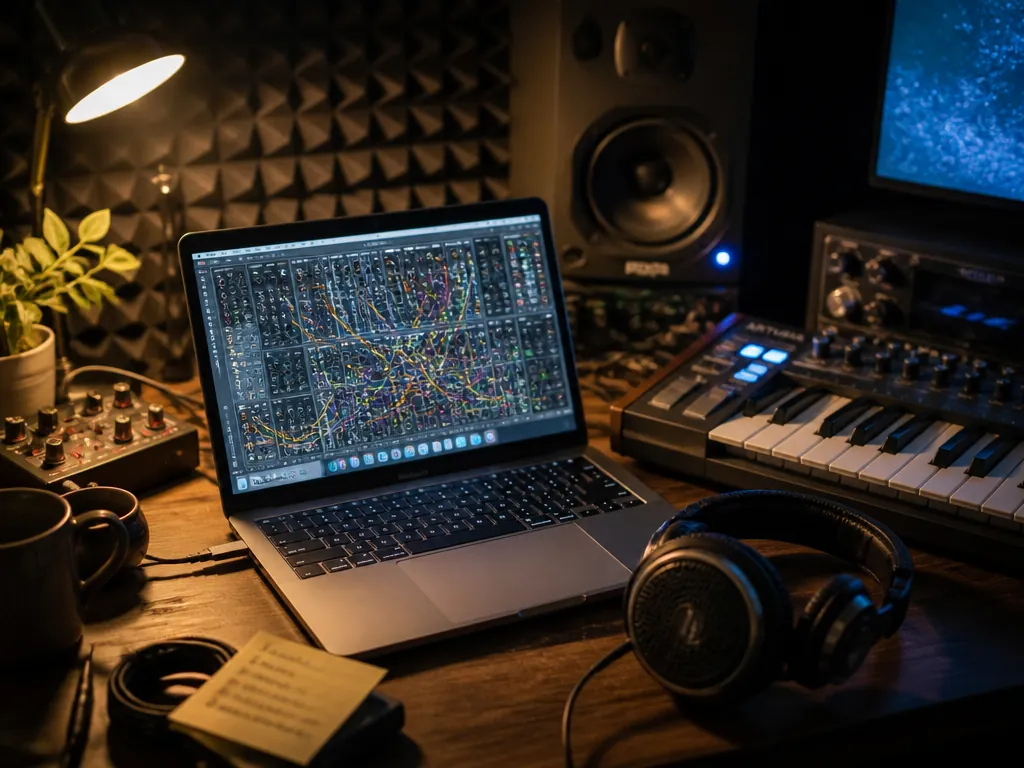
The tab is open. A discounted Native Instruments Reaktor bundle in one window, a game build in the other with a combat loop that still uses a placeholder bass patch you meant to replace three weeks ago. The question isn't whether Reaktor is impressive — everyone agrees it is. The question is whether the money buys you a bass patch by Friday.
Here's the verdict up front: as a modular environment, Reaktor is a maybe, and an honest one; as a delivery vehicle for four or five specific synths — Razor and Monark chief among them — a discounted bundle is one of the better per-instrument values in software synthesis, provided you buy it for those instruments and not for the promise of building your own.
That distinction is the whole piece. Let me walk it in the order it actually happens.
First: understand what the box contains
Reaktor is two things wearing one name, and the confusion costs people money.
The first thing is a platform — a modular environment where you wire oscillators, filters, envelopes, and math into instruments that didn't exist before you built them. Not a synth. A place synths get made. It has a genuinely deep signal-flow layer underneath (Core), and above that a block-level layer that behaves more like a Eurorack case on screen.
The second thing is a library of finished instruments built on that platform by named designers, which is what most buyers are really after. These load and play like any other plugin. You never see a cable.
The practical fork: the free Player version runs factory and selected third-party ensembles but won't let you edit or build. The full version opens the hood. Bundles typically pair the full environment with a set of these finished instruments, and the value math depends entirely on which instruments are in the box — check the contents list against what you already own before the discount does your thinking for you.
Next: the first hour after you buy
You'll install through Native Access, and the download is not small — the ensemble libraries carry a lot of sample content, so clear real disk space before you start rather than during.
Then comes the moment that decides everything. You open the browser, you find a factory ensemble with a promising name, and you get a front panel with forty controls arranged by someone who understood the instrument completely and documented it partially. If you're a producer who wants sound, you play it, tweak four knobs, and get on with the track. If you're curious, you hit the structure view — and this is where a large fraction of people quietly close the window and go back to their existing soft synths.
Be honest with yourself about which one you are, because that answer changes what the purchase is worth. Building in Reaktor is a real skill with a real learning curve, closer to learning Max than learning a synth. Plenty of working producers own it for a decade and never build a thing. That's a legitimate use — it's a strange one to pay a platform premium for.
Then: the instruments that earn their slot
This is where the bundle justifies itself, and the reason to buy is specific instruments, not a general sense of possibility.
Razor is the headline. It's additive — hundreds of partials, each individually controllable, with everything drawn on screen as it happens. Practically, that means filtering, distortion, and dissonance are all computed on the partials themselves rather than approximated afterward, and it sounds like it. Sharp, glassy leads. Basses with a hard edge and no analog mud. Risers and sci-fi textures that other synths only reach through layered samples. If you score anything with a technological register — UI stings, transhuman drones, a synthwave lead that needs to cut over drums — Razor gets there fast. The negative: it has one voice, fundamentally, and it's a bright one. Ask Razor for warmth and you'll fight it the whole session.
Monark goes the opposite direction: a three-oscillator monosynth in the Minimoog lineage, and one of the more convincing takes on that circuit in software. The filter behaves under drive the way you want it to, the oscillator drift is there, and a unison bass through it sits in a mix without EQ surgery. The negative is inherent to the design — it's monophonic, one saved sound at a time, and it will not do pads. That's the instrument, not a flaw, but don't buy the bundle expecting a workhorse.
Skanner XT and Form handle the sample-mangling side: feed them audio, get back scanned, resynthesized, physically-odd versions of it. For sound design work — creature vocalizations, impacts, the ambience bed under a menu screen — they're faster than doing the same thing with granular plugins and a lot of automation. Prism covers modal and physical-modeling territory: struck metal, bowed resonance, mallets that don't exist.
The pattern worth noticing: these are all instruments with a strong point of view and narrow bands where they're the best option. None of them is your everyday subtractive polysynth. If that's what you need, buy that instead.
Then: where it goes wrong
The additive and modeled instruments are computationally expensive. High partial counts and long unison stacks on Razor will eat a core. On a laptop scoring session with a large template, expect to bounce to audio earlier than you would with a lighter synth — plan the freeze, don't discover it during a client review.
Interface scaling has historically been rough on high-resolution displays, and user-built ensembles vary wildly in how they handle it. That leads to the second problem: the user library is enormous, free, and largely uncurated. There's brilliant work in there and a great deal that's abandoned, undocumented, or built against an older version. Treat it as a crate to dig through, not a feature you paid for.
And the boring one that matters most: this is desktop software you install and own, not a subscription with a licensing page. That's a genuine advantage over a cloud tool that could change its commercial terms — but it also means the audio you make is yours to clear, and you carry the responsibility for how you use any included samples. Read the terms in the installer once. It takes five minutes and it's the cheapest insurance in this hobby.
How I'd decide
- Does it replace a purchase you were already going to make? If a dedicated additive synth or a Minimoog emulation was on your list, the bundle math gets good immediately. If not, you're buying possibility.
- Do you patch, or do you play? Answer honestly. If you've never finished a Max or VCV project, you're buying the instruments, and you should value the bundle at the instruments alone.
- CPU headroom. If your current template already runs hot, add the freeze workflow to your cost.
- Cost over twelve months. A perpetual license amortizes against a stock-music or synth subscription very well. That's the strongest argument in its favor and it's a boring one.
- What's actually in this bundle. Contents vary between sales. A box without Razor is a substantially different product than one with it.
Who this is for, and who should skip
Buy it if you do sound design for games, film, or trailers and need textures that don't sound like presets everyone else has. Buy it if Razor's specific brightness is a hole in your toolkit. Buy it if you genuinely want to build instruments and have the patience for a real learning curve.
Skip it if you need a bread-and-butter polysynth, if you're on a machine where CPU is already the bottleneck, or if you're buying because a discount looks large. A 70% discount on a thing you won't open is 100% of your money.
What this piece can't tell you: how a bundle you buy today holds up over five years under the corporate ownership NI has moved through, whether the ensembles you love stay maintained, or how any of these sit in a mix that isn't mine. For that, go to the source — load the free Player version, run the factory ensembles through your own template on your own machine, and see which ones survive the second session. The synth that's still open on Tuesday is the one worth paying for.
Not sure which tool to use?
Compare the top AI music and sound tools side by side — honest reviews, real pricing, no sponsorships.