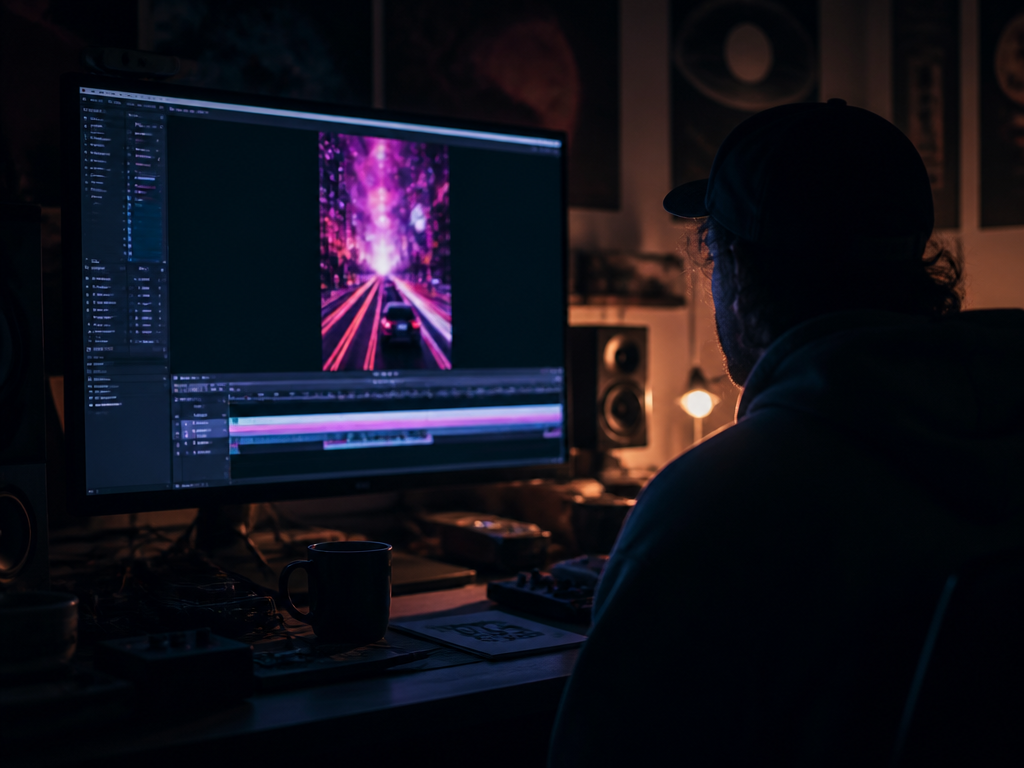
It's 2 a.m. and I'm rendering a 38-second vertical clip for a friend's single that drops in nine hours. She has no budget, no crew, and a track — a slow-burn synthwave thing in F minor, 88 BPM, with a bassline that finally opens up at the 1:10 mark. The plan was a "real" video. The plan died three weeks ago when the videographer's quote came back. So now it's me, a prompt box, and the question every independent artist eventually whispers at themselves: can AI music video generators actually carry a single, or do they just make something that embarrasses the song?
Here's the honest, one-sentence verdict before anything else: AI video tools can carry a release on social-first platforms when your track has a clear mood and you treat the generator like a co-editor instead of a vending machine — but they still come apart on lip-sync, narrative continuity, and anything that needs your actual face on screen.
Disclosure, once, up top: City of Punk builds tools in this space. So read me skeptically. I'm going to name failure modes, tell you who should skip the whole category, and describe what I do for my own releases — which is not always "use the AI." If that reads like a brochure to you, I've failed.
The question, stated plainly
You don't have four thousand dollars and a day of someone else's time. You have a song you believe in and a release date that isn't moving. The real question isn't "is AI video good." It's narrower and more useful: can I make a video that doesn't undercut the track, in the time I have, for roughly nothing?
That question has a real answer. It just has conditions attached, and the tools that market themselves never mention the conditions.
How I'd decide
When I put one of these generators through a release, I'm watching six things. Not vibes — these.
Output quality and its failure modes. Beautiful for three seconds, then the hands start melting. Faces drift between frames. Backgrounds breathe in a way that reads as cheap. Abstract and textural prompts hold up far better than anything figurative. A neon-soaked highway at night will render clean; a person walking down that highway will grow a sixth finger by the second beat.
Sync to the music. This is where most tools quietly fail. A generator that spits out a pretty four-second loop with no relationship to your drop is giving you a screensaver. What you want is footage that hits with the song — a cut on the kick, a brightness swell into the chorus. As of writing, most generators don't do this natively; you bring the sync yourself in the edit.
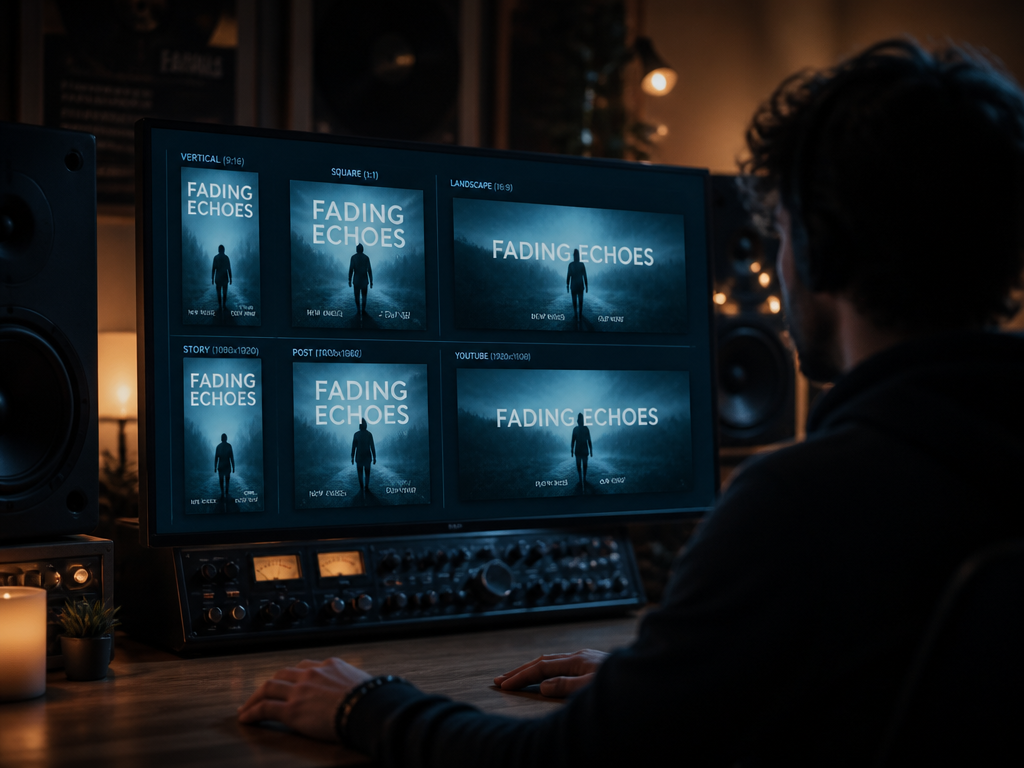
Export formats. Check the aspect ratios and length caps before you fall in love. You need 9:16 for Reels and TikTok, 1:1 for some feeds, 16:9 for YouTube. Some tools cap clip length hard, so a three-minute narrative becomes a stitching job. Resolution matters less than people think for vertical, but you still want a clean 1080-wide minimum.
Licensing clarity. This is the footnote that has burned more indies than bad audio ever has. Read exactly what your tier grants. Does "commercial use" cover a monetized YouTube upload? A label release? Do you owe attribution? Does the free tier watermark, or worse, reserve rights to the output? Terms vary widely and change often, so verify on the day you publish, not the day you signed up.
Price over twelve months. The monthly number is bait. Multiply it by twelve, then add the cost of the tier you'll actually need once the free one watermarks your work or limits your renders. A tool that's cheap until you need commercial rights isn't cheap.
Who it's wrong for. Every tool is wrong for someone. The good ones tell you who.
Where the honest answer is "it depends"
Three variables decide whether this works for you, and none of them are about the tool.
Your genre and mood. Ambient, electronic, lo-fi, synthwave, instrumental beat tapes — these win, because the visual language is texture and atmosphere, and that's exactly what generative video does well. Slow drifting cities, grain, light leaks, abstract motion. The further you get from "a performer doing a specific thing," the better the output. Story-driven hip-hop, a singer-songwriter whose whole appeal is their face and phrasing, anything that needs a character to do the same thing twice — that's where the seams show.
Your platform and length. A 30-second vertical loop for a single announcement is a solved problem; you can make something genuinely good tonight. A 3.5-minute narrative music video with continuity is not solved, and pretending otherwise is how you end up with a clip that looks like a fever dream halfway through. Match your ambition to the runtime.
Your tolerance for prompt-roulette. This is real. You will type a careful prompt and get something unusable, then change one word and get something striking. Budget for the misses. If you need certainty on a deadline, generate your candidates a day early, not at 2 a.m. — which is exactly the mistake I was making at the top of this piece.
A workflow that respects the song
The mistake is asking the generator for "a music video." It doesn't know your song. You do. So:
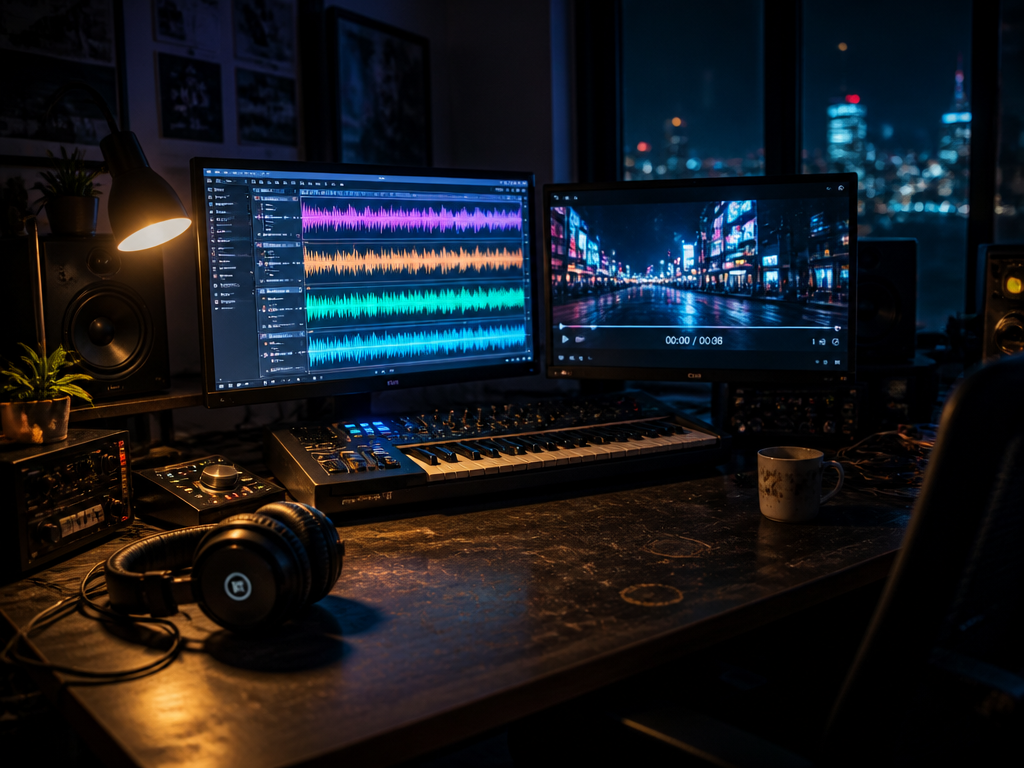
- Map the track first. Mark the intro, the drop, the breakdown in your DAW. Those markers are your edit points.
- Generate clips to serve those sections — darker and sparser for the intro, brighter and busier for the chorus. Prompt for mood, not narrative.
- Cut to your markers in a real editor. Let the bass open up at 1:10 and put your hardest visual change right there.
- Layer. Treat the AI footage as B-roll. Drop in your own phone footage, your logo, lyric text, a grainy overlay. The hybrid reads as intentional in a way that pure generated footage rarely does.
The tool is one instrument in the arrangement. It is not the arrangement.
Who this is for, who should skip it
Reach for it if you're a solo electronic, ambient, or lo-fi act; a small label pushing six releases a year that each need a teaser; or anyone who has to feed vertical clips to social weekly and would otherwise post a static cover image. For that work, AI video generators are the difference between a feed that moves and a feed that doesn't.
Skip it if your brand is your performance — if fans come for your face, your stage presence, your specific body in a specific room. Skip it if you need accurate lip-sync; the tools fake mouths and the uncanny tax is brutal on a close-up. And skip it if morphing hands will keep you up at night, because they will appear, and you will see them every time.
There's no shame in either column. A tool that's perfect for a beat tape can be exactly wrong for a confessional folk record, and that's not a flaw in the tool — it's a fit problem, which is a thing you can actually reason about.
What I actually do
For my own releases — mostly instrumental, mostly textural — I generate a batch of mood clips two days ahead, throw out about two-thirds, and cut the survivors against my own DAW markers with my grainy ceiling-fan footage layered underneath at thirty percent opacity. The single that prompted that 2 a.m. panic ended up fine, because the next morning I stopped asking the tool for a video and started asking it for thirty seconds of a city that didn't exist, in F minor's color. It gave me that. The cut was mine.
Not sure which tool to use?
Compare the top AI music and sound tools side by side — honest reviews, real pricing, no sponsorships.