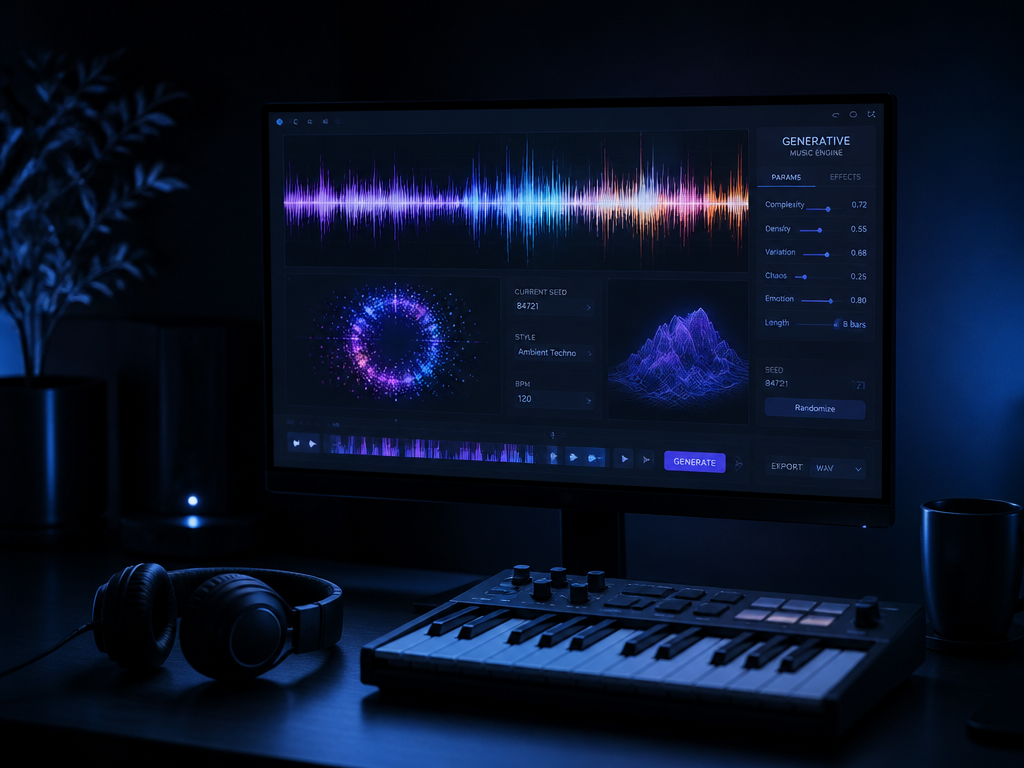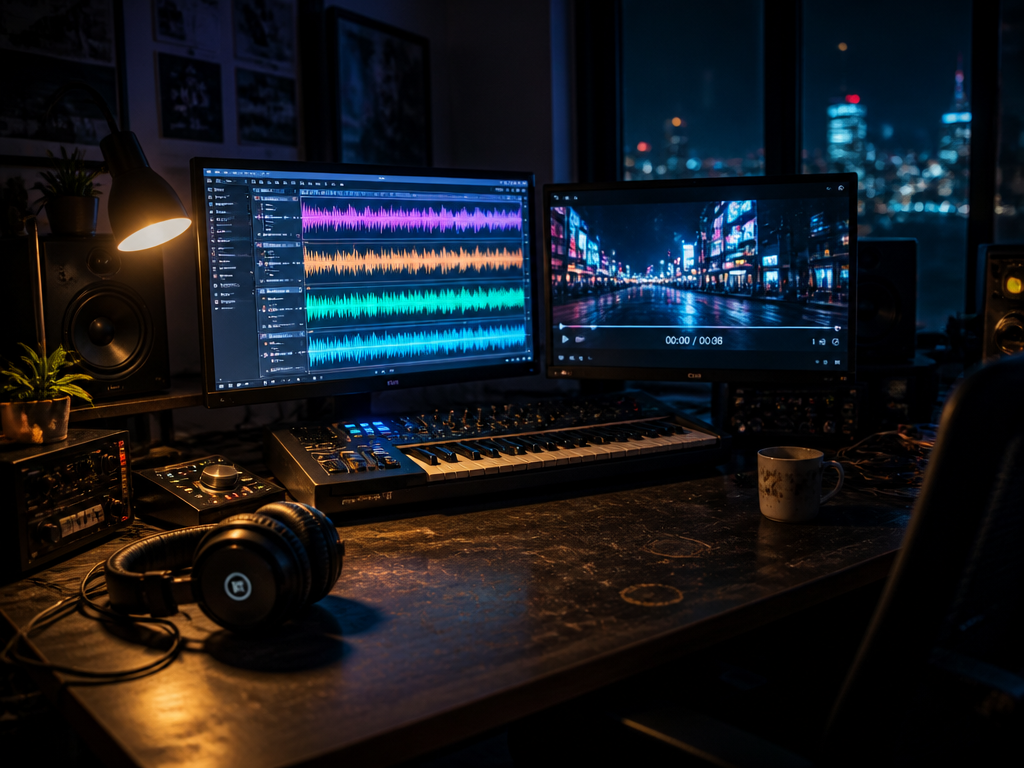
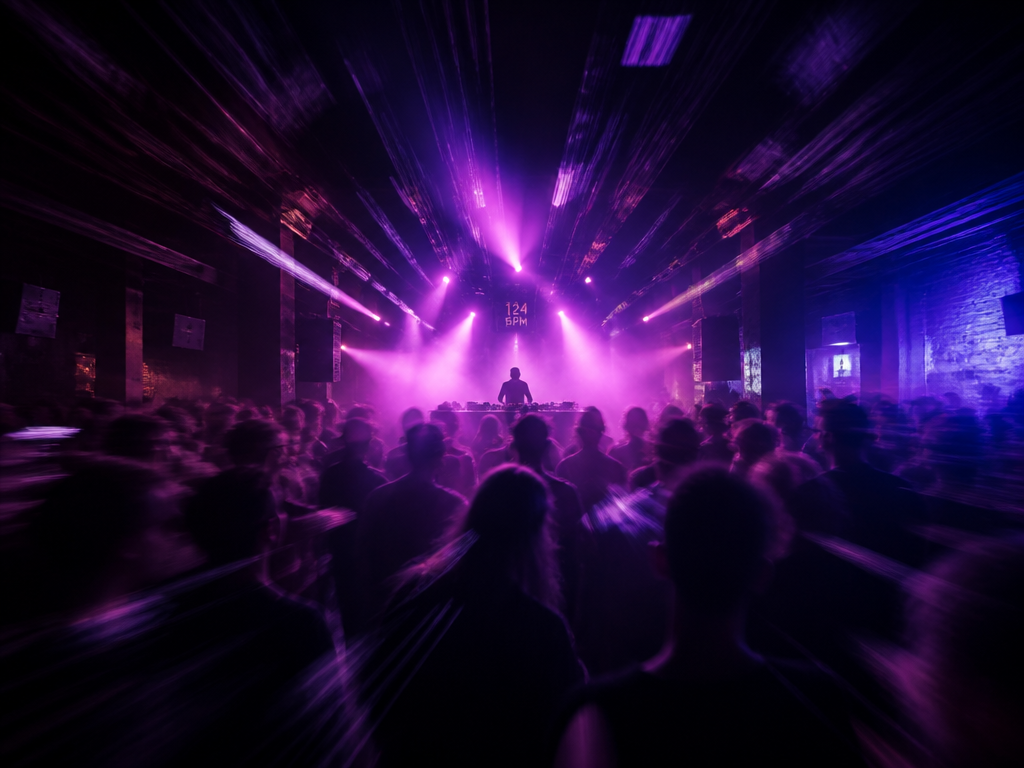
You turn the filter knob on the FLX4, and there's a beat — not a musical one, a dead one — before the audio answers. Three hundred milliseconds, maybe four hundred. In a studio that's nothing. Standing in front of people at 124 BPM, that gap is the entire difference between an instrument and a thing you're babysitting. One beat at that tempo is about 484 ms. Miss your render by half a beat and the crowd hears you flinch.
That gap is the real subject of this piece. The question underneath it is one you've probably already asked yourself if you own a controller and a half-decent laptop: can I do AI music generation locally — fresh phrases, on the machine, no cloud round-trip — and play it live off an FLX4 without it falling apart in time?
Short answer, snippet-friendly: yes for texture, pads, and loop beds you cue ahead like tape; mostly no if you mean "press a pad and hear a brand-new bar materialize on the next downbeat." The honest version of that answer lives in the word ahead, and most of this piece is spent there.
Disclosure first
City of Punk builds and sells a generative audio product. We have skin in this game. So treat the following as a working sound designer pulling models onto her own laptop and reporting what choked, not as a vendor steering you toward a checkout. Where our own approach made a trade-off I'll name it as a trade-off. Where the open-source local stack beats anything we ship for a given job, I'll say that too, because pretending otherwise would make every other sentence here worthless.
Breaking the question into parts
"Run it locally and play it live" is actually four questions stacked into one, and they have different answers:
- Can the models run on consumer hardware at all? (Yes, with caveats about RAM and disk.)
- Is the output good enough to put in front of people? (Depends entirely on what you ask for.)
- Is it fast enough to feel like an instrument? (This is the hard one.)
- Can you legally release a recording of the set? (The murkiest one.)
Pull them apart and the "it depends" stops being a cop-out and starts being a map.
How I'd decide
Before any tool earns space on your SSD, I'd run it against six criteria. These are the ones that actually bite during a build, in rough order of how much they'll hurt you:
- Latency from trigger to audible audio. For live work this is the whole ballgame. Everything else is negotiable.
- Output quality at the length you actually need. A model that nails eight-bar pads can still produce mush at sixteen.
- What runs on the hardware you own. RAM ceiling, disk footprint, whether it wants CUDA or is happy on Apple Silicon's Metal path.
- Licensing of the output. Not the weights — the audio you generate and might press to a release.
- Control-surface fit. Whether the FLX4's knobs, pads, jogs, and faders map onto generative parameters that feel musical.
- Cost over twelve months. Including the parts nobody quotes you: a bigger SSD, the electricity of a GPU pinned at full tilt, and the hours you'll spend on the toolchain.
Now the two families of model you'll actually be choosing between.
Two engines, two temperaments
There are broadly two lineages you can pull onto a local machine right now, and they behave like completely different instruments.
The symbolic / fast lineage (Magenta and its descendants)
Magenta's models — and the lighter neural architectures in that tradition — mostly think in MIDI and structure, not raw waveform. They predict notes, velocities, drum grids. That choice has huge consequences for live work:
- They're fast. You're generating a few hundred numbers, not 48,000 samples per second of audio.
- The output is editable. A generated bar is MIDI you can quantize, transpose, and route into whatever synth or sampler you already trust.
- The "sound" is whatever instrument plays the notes, so you keep your own sonic identity instead of inheriting the model's.
The trade-off: it doesn't sound like anything on its own. You're getting a performance, not a recording. If your set lives or dies on a specific grainy, half-broken texture, symbolic generation hands you the score and shrugs about the timbre.
For an FLX4 player, this lineage is the one that can plausibly keep time. A continuation model fed your current four bars, asked for the next four, running on CPU or a modest GPU, can return MIDI inside a window short enough to schedule on the next phrase boundary. Not the next beat — the next phrase. Hold that distinction; it comes back.
The waveform lineage (Stable Audio and kin)
Then there's the diffusion-style audio models — Stable Audio and the open variants in that space — that generate actual sound from a text prompt. Ask for "detuned analog bassline under a broken 808, 90 BPM, minor key," and you get a stereo clip that sounds like that, or sounds like the model's mushy idea of that on a bad roll.
These are gorgeous and frustrating in equal measure:
- The texture is the point. They produce timbre you couldn't easily synthesize by hand — degraded tape, room-y field-recording smear, the kind of pad bed that takes a real session to build.
- They are slow. Diffusion runs many denoising steps. Even on capable hardware you're often looking at generation times measured in seconds-to-minutes per clip, not the sub-beat window live performance wants.
- They're not beat-grid native. You can ask for a BPM and usually get something close, but "close" needs warping before it'll lock to your other deck, and warping a generated clip can smear transients in ways that announce themselves on a club PA.
So the waveform lineage is not a realtime instrument. It is a render farm you keep in your bag. Which turns out to be fine, if you change how you think about the set.
The latency section, where "it depends" earns its keep
Here's the reframe that makes local AI music generation actually playable: stop thinking of generation as something that happens when you press the pad. Think of it as a tape machine you're loading in the background.
In practice you run two clocks. The transport clock — your beat grid, driven by whatever's playing — and a generation clock that's always working a phrase or two ahead, filling a small buffer of ready-to-cue material. The pad press doesn't trigger generation. It promotes an already-rendered clip from the buffer to a deck. The model is racing to keep that buffer full while you play; if it falls behind, you've got a few cued clips of runway before the audience notices.
This is the single most important architectural decision, and it's where the "can I do this live" question quietly resolves to "yes, if you build it as a buffer, no, if you expect it to be reactive."
Concretely, the two strategies:
- Pre-render / cue-ahead (works today). Generate a small crate of phrases before and during the set. Schedule them on bar boundaries via Web Audio's sample-accurate timing. The FLX4 becomes a way to select, layer, and filter pre-baked generative material in time. Latency stops mattering because nothing is generated at the moment of the gesture.
- True realtime continuation (works for symbolic, marginally). A fast MIDI model generating the next phrase from the current one, scheduled to land on the next phrase boundary. Achievable with the Magenta-lineage models if you keep the model warm — loaded, on device, not re-instantiated per request — and accept phrase-level rather than beat-level reactivity.
A real-world wrinkle worth naming: the first inference after loading a model is almost always slower than the rest, because the runtime is still warming caches and compiling kernels. Fire a throwaway generation during your soundcheck so the cold-start penalty doesn't land on your first drop. I learned that one the embarrassing way.
One more browser-specific note if you're building this on Web Audio, which most of these controller-driven tools are: the worklet that schedules your audio runs on its own thread, and you do not want model inference blocking it. Inference goes in a worker; the audio thread only ever touches buffers that are already filled. Cross that wire and you'll get glitches that have nothing to do with the model and everything to do with your render loop stalling the graph. And as of writing, the most reliable Web Audio worklet behavior is still on Chromium-family browsers — Safari and Firefox will sometimes work and sometimes hand you subtle timing drift that's miserable to debug at 1 a.m.
The FLX4 on the desk
The Pioneer DDJ-FLX4 is a sensible target for this because it's cheap, it's everywhere, and its control surface maps onto generative parameters more naturally than you'd expect once you stop treating it as a record player.
What it gives you, and what each control wants to be in a generative rig:
| FLX4 control | Native DJ job | Generative remap |
|---|---|---|
| Channel faders | Track volume | Mix between two model decks — symbolic on one, waveform on the other |
| 3-band EQ | Frequency carving | Same, but it's also your fastest way to tame a mushy generated low end |
| Filter / Color knob | Sweep filter | Map to a model conditioning value — density, temperature, prompt-blend |
| Tempo fader | Pitch/tempo | Drive the transport clock the generator schedules against |
| Performance pads | Cue / loop / FX | Promote buffered clips, freeze a loop, retrigger a phrase |
| Jog wheels | Scratch / nudge | Nudge phase to re-align a warped generated clip; scrub a buffer |
| Crossfader | A/B blend | Hand off between a human-curated deck and a generative one |
The jog wheels are the interesting case. They're not high-resolution enough to "scratch" a generated waveform expressively, but they're excellent for nudging phase — closing the small drift between a warped Stable Audio clip and your grid without reaching for the laptop. Map the pads to promote and freeze and you've got the core gestures of a generative set under your thumbs: bring in the next phrase, hold this one, let the buffer refill.
What the FLX4 can't do: it has no meaningful continuous resolution for, say, drawing a melodic contour, and its two-deck layout means you're choosing between model decks rather than running a wall of them. It is also class-compliant MIDI, which is good news for mapping but means you're building your own mapping layer — Pioneer's own software won't hand you generative parameters. Budget an evening for the mapping before you budget any creative time.
Hardware reality
This is the criterion that quietly disqualifies the most people, so be honest with yourself about it.
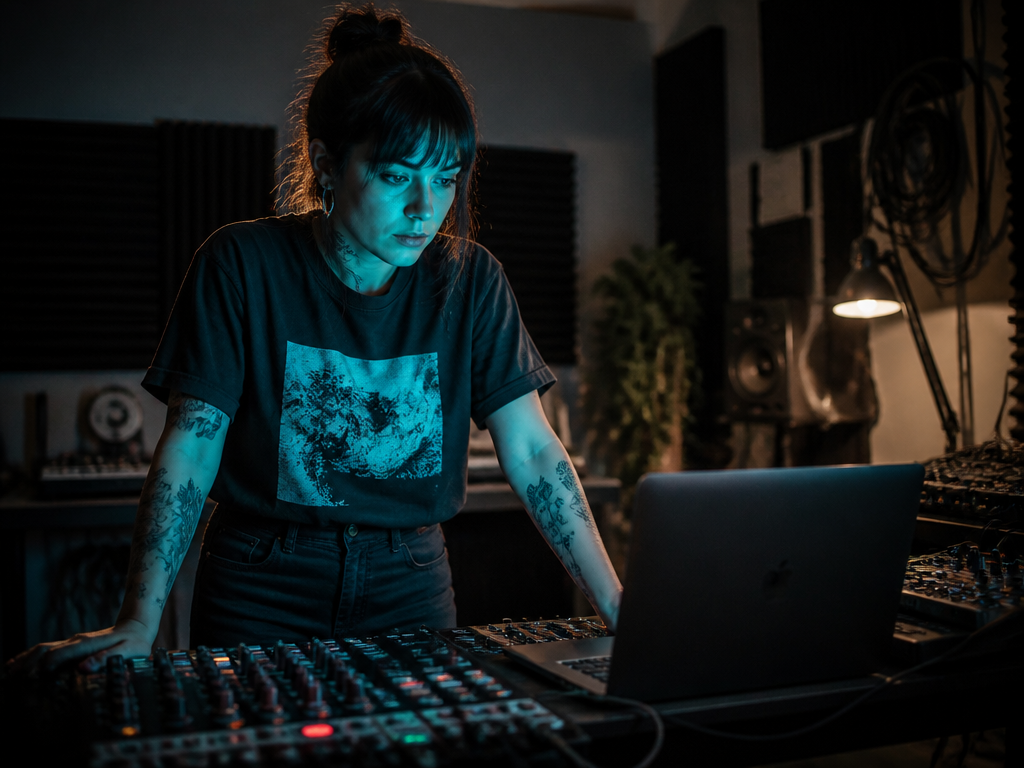
- Disk. Model weights are large. A waveform model plus a symbolic stack plus their dependencies can run well into double-digit gigabytes before you've generated a second of audio. Assume you'll want a dedicated SSD partition, not your boot drive's last 8 GB.
- RAM. The waveform models are the hungry ones. On a machine with 16 GB you can usually run one of them if you're disciplined about not also having forty Chromium tabs open. 32 GB makes the whole thing pleasant. Below 16, the symbolic lineage is your only comfortable option.
- Compute. On Apple Silicon, the Metal path has matured enough that an M-series laptop is a genuinely viable generation box for both lineages, with the waveform models slow but functional. On a discrete NVIDIA GPU you'll generate faster. On an integrated-graphics Windows laptop, expect the waveform models to be unusably slow for anything live — stay symbolic.
- Electricity and heat. Nobody quotes you this. A GPU pinned at full tilt through a two-hour set draws real power and dumps real heat, and a thermally throttled laptop generates slower exactly when the room is warmest and you most need it not to. If you're playing off battery, the waveform lineage will eat it.
The licensing trap
This is where these tools have historically burned people, so read slowly.
There are two separate licenses in play and conflating them is the classic mistake:
- The model weights' license — governs whether you can run and redistribute the model. Open-weight models in this space carry a spread of terms, some genuinely permissive, some with non-commercial clauses or use restrictions buried below the headline. Read the actual license file, not the README's summary.
- The license on the audio you generate — governs whether you can release a recording of your set, sell it, or sync it to a client's video.
The second one is the murky one, and I'm not going to invent certainty I don't have. Output rights for generative audio models vary by model, by jurisdiction, and by how the training data was sourced, and the legal ground is still shifting as of writing. Some open models explicitly grant you broad rights to outputs; some are silent, which is not the same as permission. If your set is going to be recorded and monetized — a release, a paid livestream, a client deliverable — confirm the output terms of every model in your chain before the show, in writing where you can get it. The symbolic lineage is somewhat cleaner here because the audible result is your own instruments playing generated notes, but "somewhat cleaner" is not "settled," and I won't pretend it is.
The durable advice: keep a record of which model produced which material in a set, the same way you'd keep sample-clearance notes. If the rules tighten later, you'll be glad you can answer "where did this come from."
Cost over twelve months
The software is mostly free — that's the headline, and it's true. The costs hide elsewhere:
- The SSD you'll buy because the weights filled your drive.
- The RAM upgrade, if your machine takes one and you went waveform.
- The electricity of generation, modest but nonzero over a year of practice and gigs.
- The hours. This is the big one. Budget for a real toolchain investment — environment setup, model downloads, the FLX4 mapping layer, the buffer scheduler. Against a cloud subscription you're trading recurring money for upfront time and ownership. If your time is worth more than the subscription and you don't care about offline operation, the local path may cost you more in the only currency that matters.
That last point is the honest case against the thing this whole piece is about. Local inference earns its keep when offline operation, data privacy, latency control, or sheer tinkering are the point. If none of those are, a hosted service may serve you better, and I'd rather you know that than buy an SSD out of FOMO.
Who this is for, who should skip it
Build this if you're a developer-musician who wants the generation loop in your own hands, you value offline and private operation, you enjoy the toolchain as much as the music, and you're comfortable treating generation as a cue-ahead buffer rather than a reactive instrument. The FLX4-plus-local-models rig is a genuinely expressive setup for ambient, textural, and loop-driven sets where phrase-level evolution beats beat-level reactivity.
Skip it if you need a brand-new bar to appear on the next downbeat in response to a pad hit — the physics aren't there yet for waveform models, and even the fast symbolic ones work at phrase resolution. Skip it too if you don't want to maintain a Python environment and a MIDI mapping, or if your machine is below 16 GB of RAM and you had your heart set on the lush waveform textures.
The clear calls
- For live, in-time texture and pads off the FLX4: the waveform lineage (Stable Audio and kin) as a cue-ahead render bag, promoted to decks on bar boundaries. Slow generation, beautiful results, scheduled like tape.
- For anything approaching reactive, in-time generation: the symbolic / Magenta lineage, kept warm, generating MIDI into your own instruments, scheduled on phrase boundaries. Less sonic personality, far more playable.
- For a real set: run both. Symbolic on one deck for the rhythmic spine, waveform on the other for the bed, the crossfader between them. That's the rig that actually feels like an instrument.
What this piece didn't answer
I didn't give you a build. No specific model versions, no pinned dependency list, no mapping file — partly because those go stale in months, partly because the honest scheduler architecture deserves its own piece with code in it rather than prose. I also didn't resolve the output-licensing question, because nobody honestly can right now; I only told you where the landmines are.
Where to look next: the architecture decision records and scheduler design of the open-source controller-driven tools already doing this — read how they keep the model warm and how they separate the audio thread from the inference worker, because that's where the playability is won or lost. Then read the actual license file of every model you plan to put in your chain, twice.
Generation isn't the instrument. The buffer you build around it is — and that part is still yours to design.
Not sure which tool to use?
Compare the top AI music and sound tools side by side — honest reviews, real pricing, no sponsorships.