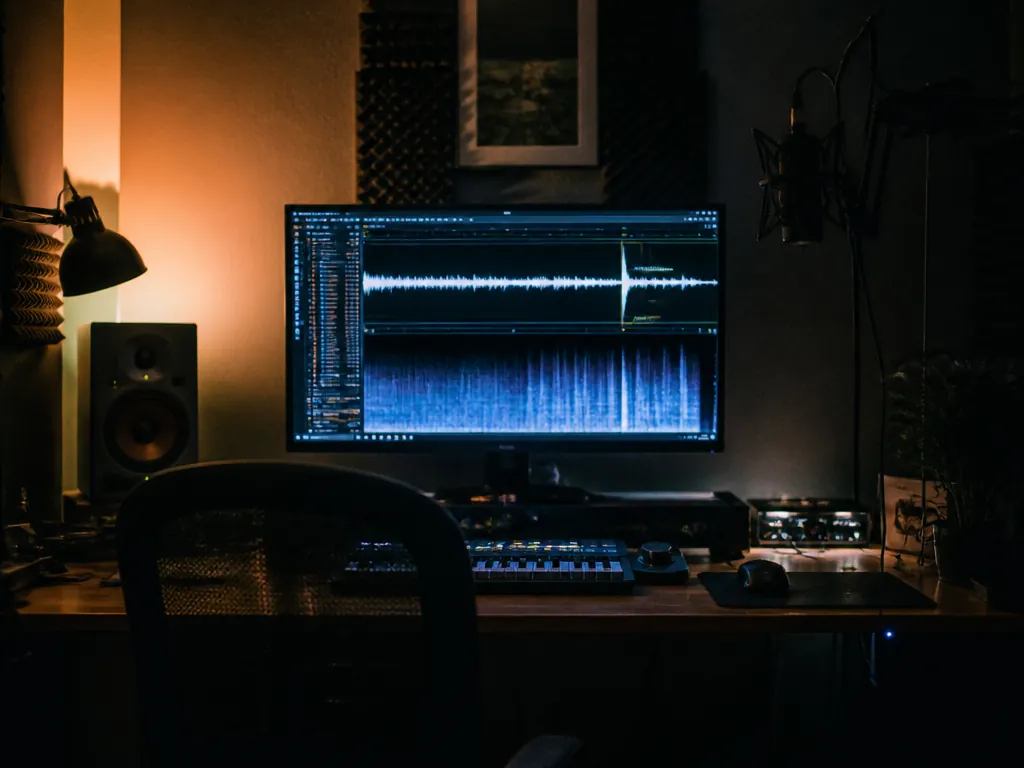
The edit was locked at 2:47. The track ran 3:12, and the only place it wanted to end was a long ringing decay that arrived eleven seconds after the last shot. The old fix was to duck it under the final frame and hope nobody heard the harmony get guillotined. The fix that AI music generation actually makes available is duller and much better: re-render the cue at 2:47, same key, same tempo, with a real ending, and keep the edit you already liked.
Which puts a crack in the oldest rule in music video production.
Everybody gives the same advice, and they give it early: lock the music first, then cut picture to it. Editors learn it on their first promo. It is on every film-school syllabus and in every forum reply. It is also, for the first time in about a century of practice, only conditionally true.
Why that rule earned its place
Music is the only element on your timeline with a fixed grid. At 128 BPM a beat lands every 0.469 seconds, and a cut that misses it by two frames reads as sloppy rather than as syncopation. Picture is elastic — you can trim a hold, extend a whip pan, add eight frames of black. A recorded master is not elastic. You can fade it, and everybody can hear you fading it.
Underneath that is a cost asymmetry. Changing picture used to be an afternoon. Changing music meant a re-record, a new session fee, or a fresh sync licence for a different length of the same master. So the discipline made sense: nail down the expensive, rigid element and let the cheap, flexible one bend around it.
Where the rule still holds
If you are cutting an actual artist's music video, the song is the product. The picture serves it, the runtime is the runtime, and nobody is regenerating the chorus so the drone shot can breathe. Same goes for anything built on a licensed master — you paid for a specific recording at a specific length, and that is what goes in the deliverable.
And anything with performance on camera is locked by physics. Lip sync, a drummer's hands, a bow crossing strings: the audio has to be the audio that was playing on the day.
Where it breaks down
Everywhere else, the asymmetry has flipped. Music became the cheap element to redo.
Generative tools will now take a target duration, a tempo, a key, and a rough structure, and hand you a new instrumental in a few minutes. That means you can cut picture first — for story, for the client's favourite shot, for the 60-second slot the platform gives you — and then commission the cue to the frame count you ended up with. The composer's traditional workflow, spotting to a locked picture, has quietly become available to people with no composer and no budget.
But there is a limit worth tattooing somewhere: regeneration is not revision. When you re-render at a new length, you do not get the same performance made shorter. You get a different performance that happens to share your parameters. If the director fell in love with take four, you cannot stretch take four; you can only roll again and hope the new one lands. Some tools let you extend or edit a section of an existing render, which is closer to what you want. Check whether yours does before you build a schedule around it.
Can you use AI-generated music in a music video?
Usually yes, and the answer lives entirely in your tool's terms of service, not in copyright folklore. Most generative music platforms grant commercial use on paid tiers and restrict it on free ones; some claim a share of ownership, some assign it to you, some allow the output on YouTube but not in a resold product. Read the licence for the plan you are actually on, and keep a copy of it with the project files. Separately, expect the platform's own catalogue or a third party to have registered material with Content ID at some point, which is a claims-and-disputes problem rather than a legality problem. None of this is legal advice, and it varies by tool and by month — that is why we keep head-to-head pages on it.
What established artists are actually arguing about
Björn Ulvaeus has spent years giving reporters a version of the same line: we haven't seen what this can do yet. It reads as a hedge until you notice he is not talking about quality. Most working artists who engage with generative tools in public aren't claiming the output beats a session player. They are pointing at where the value sits — attribution, ownership, who gets paid when a model trained on a catalogue produces something that sits comfortably next to it.
Read that way, the interesting change isn't that a machine wrote your B-roll cue. It's that the order of operations in production shifted, and the contracts and credits underneath it haven't caught up.
What still goes wrong
Renders come back mushy in the low mids often enough that you should audition three before committing. Endings are the weak spot: models love a fade, and a fade is exactly what you were trying to escape. Vocals remain the hardest thing to get clean, especially consonants under a busy mix. And loudness is inconsistent between renders, so if you cut two generated cues together, normalise them before you judge either.
Lock order, by job
| What you're making | Lock first | Why |
|---|---|---|
| Artist music video | The master | The song is the deliverable |
| Brand film / visualiser | Picture | Runtime is set by the platform slot |
| Game trailer with a fixed slot | The runtime | Both music and picture bend to it |
| Doc or short with dialogue | Picture and dialogue | Music fills the gaps that remain |
Before you regenerate anything, write down four things: target duration to the second, tempo, key, and your sync points in timecode. That note is the brief.
The cue brief that survives an edit
Instrumental cue, 92 BPM, D minor, 2:47 total.
Sparse detuned Rhodes and sub bass for the first 40 seconds.
Brushed drums enter at 0:41. Full band at 1:35.
Strip back to Rhodes and room noise from 2:30.
Final chord decays to silence by 2:45. No fade-out.
No vocals.
Every line is doing work. The duration is the picture lock. The timestamps are the three cuts you already know you need to hit. "No fade-out" is there because a fade is the thing that forced you into this problem. "No vocals" keeps the 1–4 kHz range clear for dialogue and keeps you out of the messiest part of the technology. When it worked, you'll hear the last chord ring into silence a beat before the final frame, and you will not need to touch the fader.
The honest version of the rule
The advice was never really about music. It was about locking whichever element is most expensive to change, and for a hundred years that was always the recording. Now it might be the shot list, the client's approval, or the 60 seconds a platform will give you.
Tonight's rule: lock whatever costs the most to redo, and if that is no longer the music, stop pretending it is.
Not sure which tool to use?
Compare the top AI music and sound tools side by side — honest reviews, real pricing, no sponsorships.