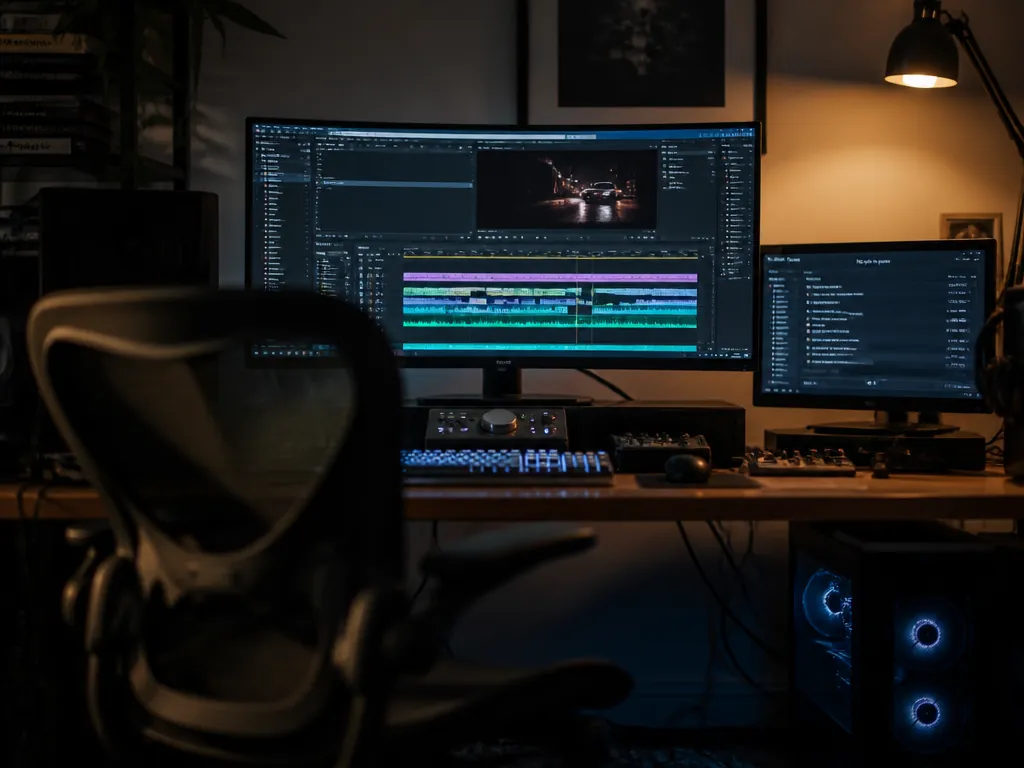
The first time I handed a timeline to an agent, it got everything right except the sample rate. Eleven generated clips, all rendered at 44.1 kHz, dropped into a 48 kHz project. The agent reported success. The waveform looked fine. The export drifted about forty milliseconds by the six-minute mark, which is exactly enough to make a footstep land after the foot.
Nothing in that chain was broken. The generator did what it was asked, the editor accepted the files, the agent read back a green status. The failure lived in the handoff between them — which is where most failures live once you point an agent at an open-source video editor and let it build. This is the workflow, in the order things actually happen, with the places it breaks marked.
What does agent control of a video editor actually do?
It turns editing operations into function calls. An MCP server sitting on top of the editor exposes its verbs — create track, import asset, place clip at timecode, set gain, render — as tools with typed arguments. The agent picks tools and fills in arguments; the editor executes them against the real project file. There is no magic layer that understands your edit. There is a list of operations and a model choosing among them.
The chain runs in one direction, and knowing the order tells you where to look when something goes wrong:
- Your prompt reaches the model.
- The model emits a tool call with concrete arguments — a track index, a timecode, a filename.
- The MCP server validates that call and mutates the project state.
- If the call is a generation request, the server hands a job to a local backend (ComfyUI, typically, over its HTTP API) and waits for a file to appear on disk.
- The editor imports that file and the timeline redraws.
Every link in that chain can succeed while the next one quietly receives something it did not expect. Step 4 into step 5 is where my sample rate went.
Separate what needs a GPU from what does not
Cutting, trimming, track routing, transitions, gain staging, and export need no model and no backend. That part of the editor runs on a laptop with integrated graphics. Generation needs a local inference backend and whatever VRAM your chosen checkpoint demands, and that ceiling has not moved because an agent is now typing for you. Bring up the editing half first and confirm it works standalone. If you debug both halves at once you will spend an evening blaming the model for a missing custom node.
The procedure
1. Open the editor with no agent attached and cut thirty seconds by hand. Import one clip, drop it on a track, trim it, export. You should see a file in your output directory that plays at the frame rate you set. If this fails, nothing downstream will work.
2. Start your generation backend and queue one render manually. For ComfyUI that is the web UI at http://127.0.0.1:8188. Run a single text-to-video graph by hand. You should see the job move through the queue and a file land in the output folder. Note the exact path — the MCP server will need it.
3. Save your workflow graphs with predictable titles and exposed inputs. The server can only fill in the fields your graph surfaces. If the prompt text is buried in an unnamed node, the agent has nothing to write to. Title the nodes you want reachable — prompt, seed, frame count, resolution — and save. You should see those field names appear in the tool schema once the server loads the graph.
4. Connect the agent and make a read-only call first. Point your MCP client at the editor's server, then ask for the current track list. You should see a JSON response naming your tracks. If the tool list is empty, the server started before the editor did; restart in the other order.
5. Give it exactly one write operation. Ask it to place an existing asset at a specific timecode on a specific track. You should see the clip appear at that frame — not near it. Off-by-one-frame placement here means the server and the editor disagree about frame rate, and every later placement inherits the error.
6. Now let it generate. One clip, short, low resolution. You should see the job hit the backend queue, a file appear on disk, and the editor import it. Check the container properties before you celebrate: frame rate, resolution, and audio sample rate if the clip carries any.
7. Batch only after a single-shot round trip is clean. Ask for a sequence — four shots, same seed family, placed end to end. You should see them land in order with no gaps. Gaps mean the agent computed timecodes from its own arithmetic rather than reading the editor's state back between calls.
8. Export and compare against the source clips. Match frame rate and sample rate to the project, not to the assets. You should hear sync hold at the end of the timeline, which is the only place drift is audible.
| Layer | Owns | Fails as |
|---|---|---|
| Model | Which tool, which arguments | Plausible timecodes it never verified |
| MCP server | Validation, state mutation | Silent coercion of bad values |
| Backend | The render itself | Queue stalls, VRAM exhaustion |
| Editor | Project truth | Import at the wrong rate |
A prompt that survives this chain reads less like a brief and more like a spec:
Read the current timeline state before each placement.
Generate four 5-second shots at 1920x1080, 24 fps, seeds 1001-1004.
Place them on video track 2 starting at 00:00:12:00, back to back, no gaps.
Do not touch audio tracks. Report the actual out-timecode of the last clip.
Every clause exists because the agent will otherwise guess. "Read state before each placement" stops it from extrapolating positions. Explicit frame rate stops the backend default from winning. "Report the actual out-timecode" gives you a number to check rather than a status to trust. Which model sits behind the tool calls matters less than people expect — DeepSeek's V4-Pro line, or whatever is current as of writing, all fail the same way, by being confident about state they did not read.
The audio pass is still yours
Agents place audio competently and mix it badly. Normalize everything to 48 kHz on import, before it touches the timeline; resampling eleven clips after the fact is worse than the forty milliseconds. Set your master target and hold it — around -14 LUFS integrated for most streaming destinations, quieter for broadcast, and check the platform's current spec rather than trusting mine. Duck music under dialogue by hand, or with a sidechain you configured, because the tool call for gain has no ears.
Generated audio beds are also where the mush shows. A prompt-rolled ambient pad will pass on its own and turn to gray porridge under a voiceover, because the model gave you energy across the whole spectrum instead of leaving a hole at 2 kHz where speech lives. Carve it yourself.
What none of this settles: the agent can verify that a clip landed at frame 288. It cannot verify that the cut is good. We have no reliable machine measure of whether an edit holds attention, lands a joke, or earns the silence before the drop — and until someone finds one, the last link in the chain is a person watching the export and deciding it works. How long that stays true is an open question, and I have not seen a convincing answer to it yet.
Not sure which tool to use?
Compare the top AI music and sound tools side by side — honest reviews, real pricing, no sponsorships.